
Property Research Topic
Remote Ownership
Remote ownership works best with named responsibilities, regular evidence, spending controls and a plan for storms, leaks and security alerts.
Useful questions, comparisons, examples and next-step checks around Remote Ownership.
Questions & Answers
Answers About Remote Ownership
These answers organise the topic into practical checks, comparisons and useful research notes.
Agree the response process before you are relying on it. Put in writing how the manager should contact you, what qualifies as an emergency, who may enter the property, and what spending limit applies without your approval. Define how urgent issues differ from routine recommendations, and provide a reliable way to reach you while travelling or in different time zones. For any urgent work, ask for a short description of the problem, dated photos where practi…
2026-11-15 How should I decide how often someone needs to inspect an empty home?Set the inspection frequency around the property’s risks, the length of your absence and the support available locally; there is no single schedule that suits every home. Consider whether the house has a pool, garden, water pumps, air-conditioning or dehumidification systems, and whether it will be left empty during wet-season weather. A property with several systems or exposure to storm-related problems may need closer attention than a simple checklist al…
2026-11-14 What should I agree with the local contact before a sensor alert needs someone to visit?Agree in writing who receives each alert, who can access the property, and who decides whether an on-site visit is needed. Set out what counts as urgent, how the contact will try to reach you, and what they may do if you are unavailable. Clarify any spending authority and require approval above an agreed limit, with invoices and dated photographs or notes after work is carried out. The local contact should be able to verify conditions physically; an alert …
 54 Q&A
Property Types & Buyer Planning
 27 Q&A
Wellness & Lifestyle Property
 4 Q&A
Thailife Residences — Sponsored
 3 Q&A
Thailife Beach House — Sponsored
 44 Q&A
Khao Lak Areas & Neighbourhoods
Define the response process in writing rather than assuming a manager will act whenever an alert arrives. Specify who receives alerts, who decides whether a visit is needed, and who can access the property. Set out the inspection tasks the manager is responsible for, how quickly they should acknowledge an alert where practical, and when they must escalate an issue to you or a qualified technician. Agree what evidence a visit should produce, such as a dated…
2026-11-01 How should I balance smart alerts with on-site visits for peace of mind?Smart alerts are useful early warnings but are not a substitute for hands-on checks. Treat power loss, unusual water use, gate activity, temperature shifts and device status as prompts for a proper inspection rather than proof of overall condition. Pair the technology with a regular on-site inspection schedule and a trusted local manager who can physically verify the property. Demand dated photos or notes from visits, not just screenshots, and have a simpl…
2026-10-16 Which smart alerts should prompt an on-site inspection rather than wait for routine checks?Smart alerts are a helpful second layer, but they don’t replace on-ground checks. Prioritize alerts that indicate real, potentially costly issues: sudden power loss affecting critical systems, unusual or sustained increases in water use that might signal a leak, unexpected temperature changes that could affect HVAC or refrigeration, and gate or door activity that doesn’t match the access plan. When such alerts occur, arrange a scheduled inspection promptly…
 46 Q&A
Thailand Property Ownership
 43 Q&A
Due Diligence & Contracts
 37 Q&A
Costs, Taxes & Ongoing Budget
 39 Q&A
Property Inspection & Coastal Risks
 39 Q&A
Building & Renovating in Khao Lak
Set clear privacy and security expectations for smart alerts. Ask that alerts cover core events—power loss, unusual water use, gate activity, temperature shifts, and key device status—and that you receive a concise status summary. Require strong passwords, regular firmware updates, and avoidance of weak cloud services. Demand a trusted local person to verify alerts by phone or on-site when needed, with dated photos or notes as evidence. Insist on a simple …
2026-09-21 What is the minimum smart-device setup for meaningful oversight?Essentially, start with a small, practical setup to gain meaningful oversight. Typical minimums are power outage alerts, water-usage spikes, gate/door access status, and indoor temperature monitoring. Add a basic camera or door sensor for entry visibility, plus a simple automation hub to support remote checks for routine tasks like turning on air conditioning or irrigation. Avoid locking yourself into a single cloud service; prefer devices that offer local…
2026-09-17 How can I ensure monthly reports reflect actual property conditions and issues?Ask the manager to attach dated photos, and to include a short, itemised note about condition changes. Request a short narrative on issues observed during the month and what remedies or follow-up actions were completed or planned. Require a receipt or invoice for any work and a record of what was approved and what was left for later. Ensure the report covers core items like occupancy, utilities, leaks, roof/gutters, pool, garden, pests, security, and any n…
 37 Q&A
Tropical Property Maintenance
 49 Q&A
Rental & Investment
 37 Q&A
Smart Living & Utilities
 37 Q&A
Retirement, Relocation & Daily Life
During the wet season, you’ll want additional checks and changes to your standard departure plan. Start from your usual departure checklist and add steps to reduce rain-related and humidity risks. Key adjustments include: double-checking water isolation at main lines and ensuring gutters, downpipes and drainage are clear to prevent leaks and standing water; adjusting dehumidification and climate controls to prevent mold while away (consider a reasonable te…
2026-09-15 What format of evidence from smart alerts should I require for inspections?Cameras and sensors are a helpful extra layer, but they should not replace regular inspections. Ask for dated reports or screenshots of alerts, showing when they occurred, what device triggered them, and what action was taken. Require simple summaries and clear escalation steps in case something needs attention, with a named local contact who can verify conditions on the ground. Ensure privacy protections and secure access to device data, and keep manual a…
2026-09-12 What should I monitor or trust from smart alerts vs. on-site checks?Smart devices can flag power loss, unusual water use, gate activity, temperature changes, camera status and certain equipment operating patterns. Use alerts as early warnings, not as proof of overall condition. They are useful for detecting obvious problems when you’re away, but they can miss roof leaks, drainage, pest issues and subtle wear. Pair alerts with scheduled inspections by a trusted local manager who can physically verify the property. Keep priv…
Visual Examples
Images That Support Remote Ownership
A small visual sample connected to this topic.
Visual Example
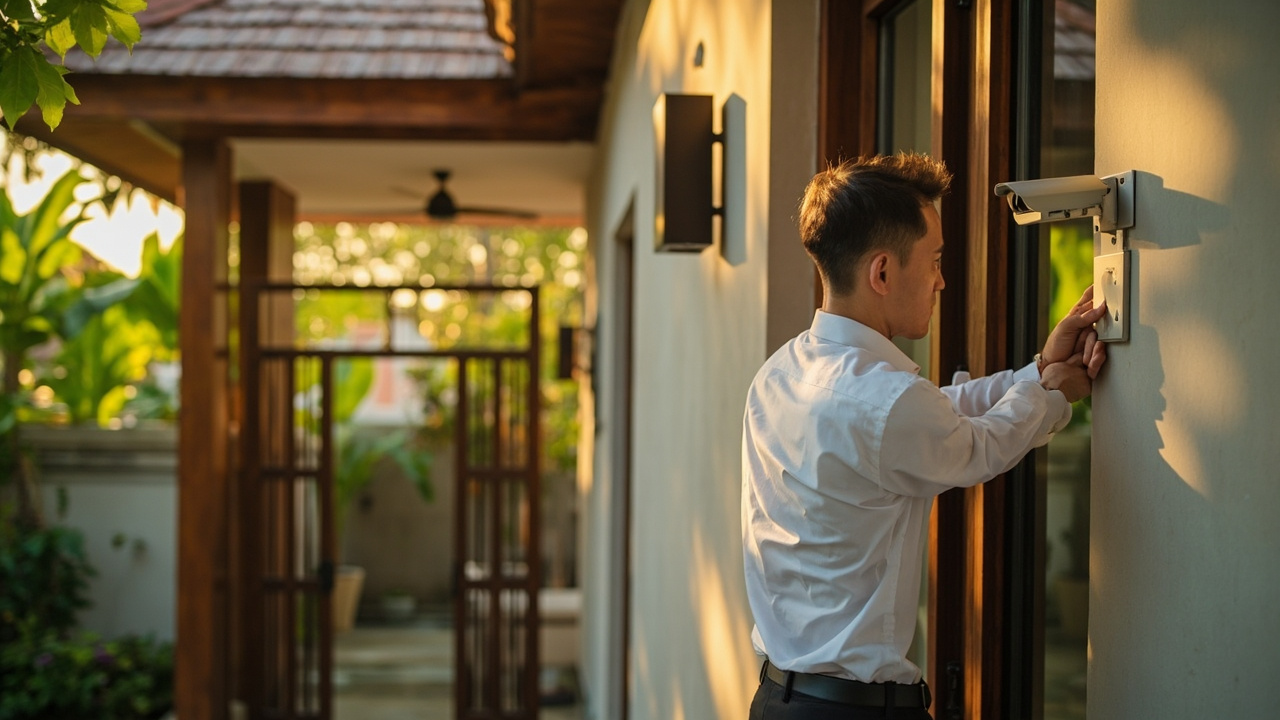
Generated editorial image for Security Checks: a property manager checking gates…
property lifestyle
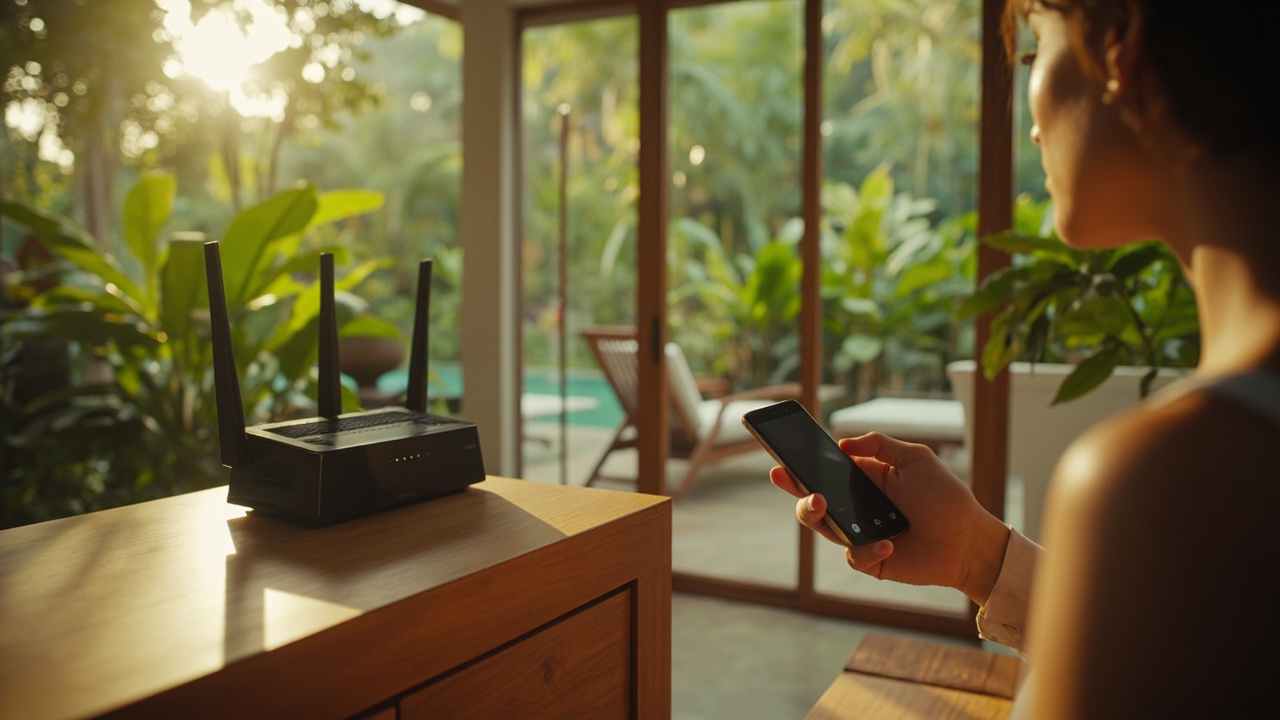
Generated editorial image for Internet And Smart Home: a modern tropical home wi…
 property lifestyle
Generated editorial image for Remote-Owner Management: an overseas owner on a vi…
 outdoor living
Generated editorial image for Beach-House Ownership: owners enjoying coffee on a…
 garden
Generated editorial image for Remote Work Lifestyle: a bright home-office terrac…